



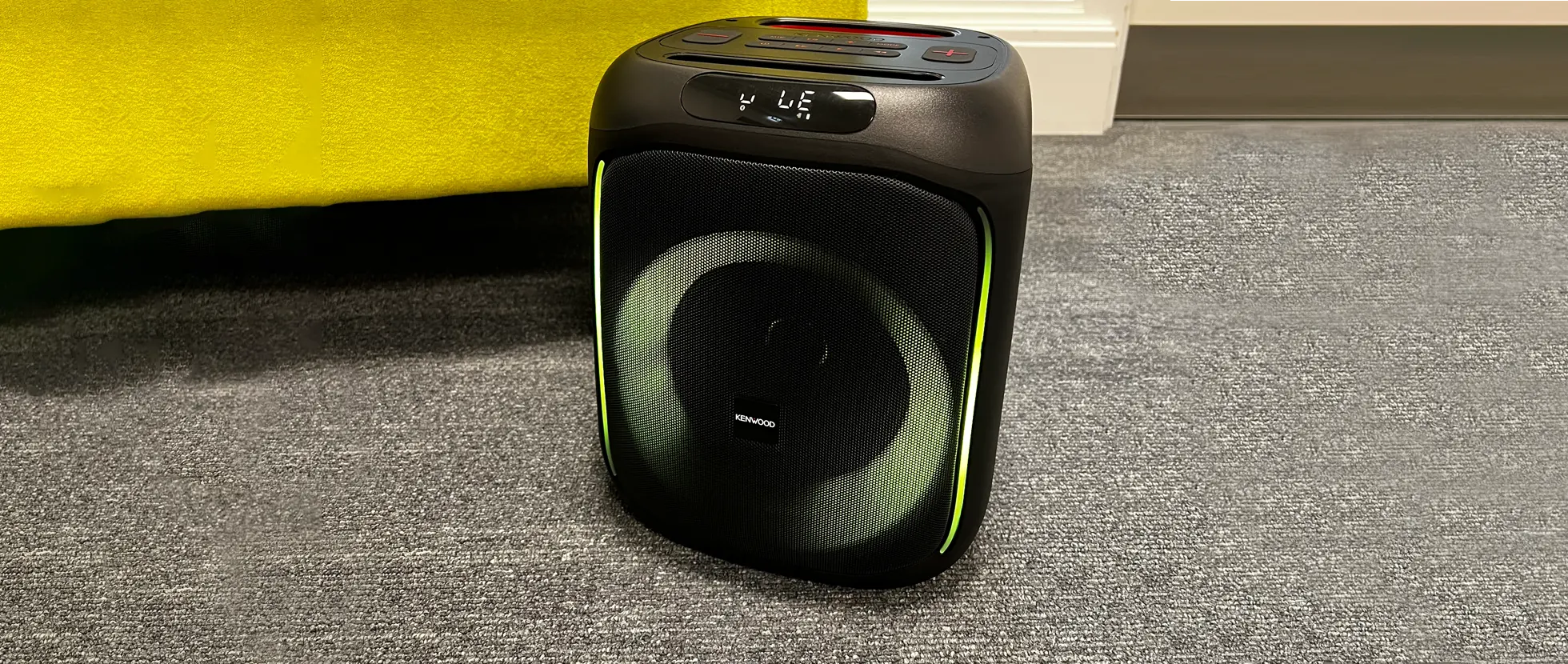

NVD56G6
DiscontinuedKVT-526DVD + KNA-G620T
<ul>
<li>
<strong>Find out more about these features:</strong><br />
<a href="/tech/navi/knag6/"><font color="#0000ff">KNA-G620T Navigation system</font></a><br />
Kenwood navigation systems show you the way to your destination as well as all the information you need along the way.</li>
</ul>
<br />
<br />
<h3>
Other links:</h3>
<hr />
<br />
<ul>
<li>
<strong>Compatibility:</strong><br />
<a href="http://www.kenwood.com/cs/ce/ipod/" target="_blank"><font color="#0000ff">iPod/iPhone Compatibility</font></a></li>
<br />
<li>
<strong>Installation options:</strong><br />
<a href="/tech/swa/list/"><font color="blue"><u>Steering Wheel Remote Control:</u></font></a><br />
Control your Kenwood head unit using the factory-installed remote controls mounted on the steering wheel of your car.<br />
</li>
<li>
<strong>Software Updates:</strong><br />
Kenwood is continuously improving its products. The following page lists all updates available for your:<br />
- <a href="/support/updates/mult/kvt526dvd/"><span style="color:#0000ff;">KVT-526DVD</span></a><br />
- <a href="/support/updates/kna/knag620t/"><span style="color:#0000ff;">KNA-G620T</span></a></li>
<br />
<li>
<strong>Where to Buy</strong><br />
Find your nearest <a href="/where_to_buy/"><span style="color:#0000ff;">Kenwood Centre</span></a></li>
</ul>
<p>
<br />
</p>
<br />
<table border="0" cellpadding="1" cellspacing="1" style="height: 40px; ">
<tbody>
<tr>
<td>
<iframe frameborder="0" scrolling="no" src="http://www.facebook.com/widgets/like.php?href=http://www.kenwood-electronics.co.uk/products/car/navigation/navigation_packages/NVD56G6/" style="border:none; width:220px; height:40px"></iframe></td>
<td valign="top">
<a class="twitter-share-button" data-count="horizontal" data-text="Check this out!" data-url="www.kenwood-electronics.co.uk/products/car/navigation/navigation_packages/NVD56G6/" data-via="Kenwood_UK" href="http://twitter.com/share">Tweet</a><script type="text/javascript" src="http://platform.twitter.com/widgets.js"></script></td>
<td valign="top">
<!-- Place this tag where you want the +1 button to render --> <g:plusone></g:plusone> <!-- Place this tag after the last plusone tag --><script type="text/javascript">
(function() {
var po = document.createElement(''script''); po.type = ''text/javascript''; po.async = true;
po.src = ''https://apis.google.com/js/plusone.js'';
var s = document.getElementsByTagName(''script'')[0]; s.parentNode.insertBefore(po, s);
})();
</script></td>
</tr>
</tbody>
</table>
<p>
</p>